Here’s an all-too-familiar scenario for me: I’m listening to music using my phone when, for some reason, my headphones connect to my sleeping MacBook. The music stops.
I bet you’ve run into some version of this problem—it’s frustratingly common, plus you’re reading an article about how to solve it. And here’s your solution: a free, open source application called Bluesnooze. This simple tool does one thing: It turns off your Bluetooth when your Mac goes to sleep, and turns it back on when your Mac wakes up. This stops your computer from taking over your headphones when you don’t want it to.
I’ve been testing it out for a few days and it works reliably. There are some downsides—using this program means that when your Mac does wake up, that you’ll need to wait a few seconds before you can use your Bluetooth devices, like a mouse, keyboard, or speakers. For me, this pause lasted only a few seconds—a brief enough interval that I barely noticed it—but it’s worth keeping in mind.
The bigger downside is that the app also breaks a few features that you might use regularly, including “Allow your Apple Watch to unlock your Mac” and certain “Find My Mac” abilities. If you’re constantly annoyed by your MacBook cutting off audio, though, you might be able to live with these compromises.
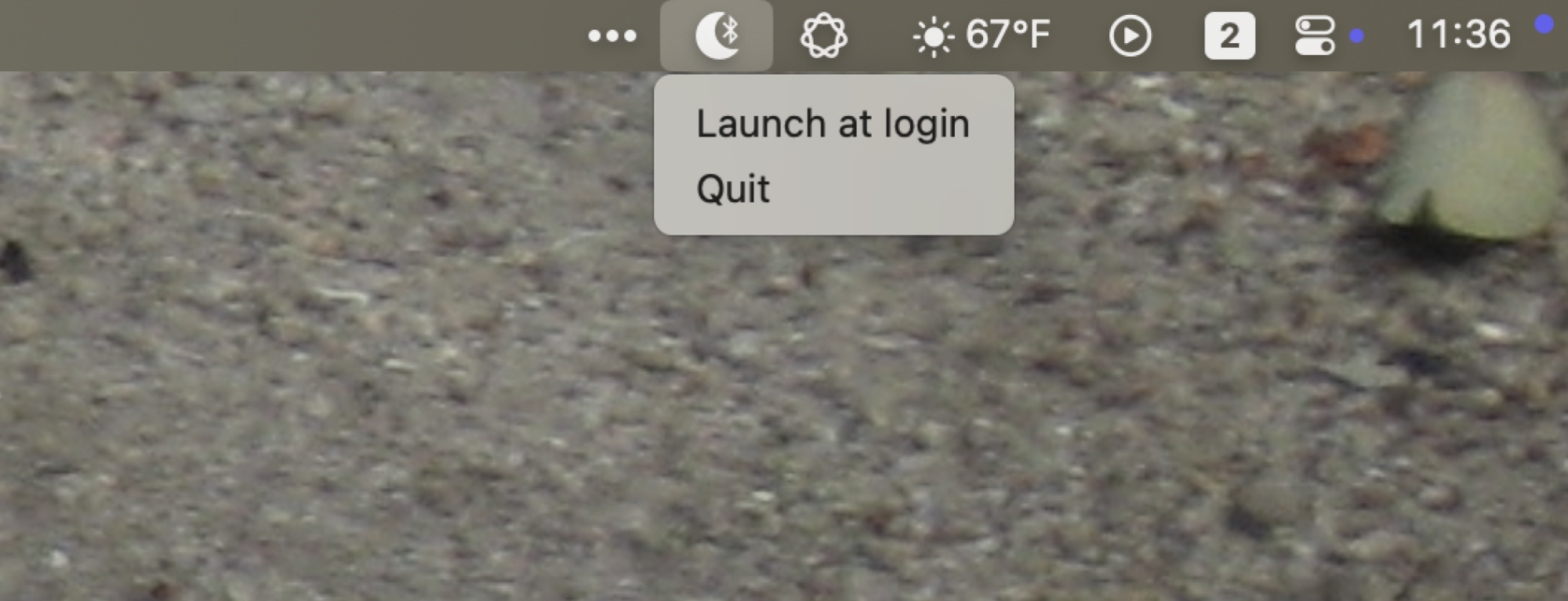
Credit: Justin Pot
Bluesnooze runs from the menu bar and offers just one option: whether you want it to run automatically at login or not. If you don’t like clutter in your menu bar, you can also optionally disable the menu bar icon using a command found on the download page. This will free up space on your menu bar, but make it hard to know whether the application is running or not. For this reason, I also recommend you look into using an app to clean up your Mac’s menu bar instead of removing the icon altogether.
Bluesnooze isn’t a particularly complicated application, granted, but it solves a very specific problem. Check it out if you’ve been considering storing your MacBook in a Faraday cage to prevent it from stealing control of your AirPods when you don’t want it to.

