بیماری کبد چرب غیرالکلی به طور فزایندهای در بزرگسالان جوان به دلیل رواج خوردن فست فود و شیرینیها و غذاهای حاوی شکر افزوده، شایع شده. کبد چرب درجه پایین در حالی که دارو به درمان آن کمک میکند، معمولا به خودی خود با تغییر سبک زندگی، کاهش وزن و مراقبت از آنچه میخورید قابل درمان است.
به گزارش سیناپرس؛ اگرچه تشخیص اولیه کبد چرب معمولا جای نگرانی ندارد، اما اگر به موقع درمان نشود، این بیماری میتواند به سرعت به یک بیماری شدیدتر تبدیل شود. و وقتی صحبت از رژیم غذایی میشود، سبزیجات خاصی وجود دارند که میتوانند به معکوس کردن کبد چرب کمک کنند. به یاد داشته باشید، باید این سبزیجات را همراه با رژیم غذایی سالم و منظم و ورزش (و در صورت تجویز، دارو) مصرف کنید.
چغندر
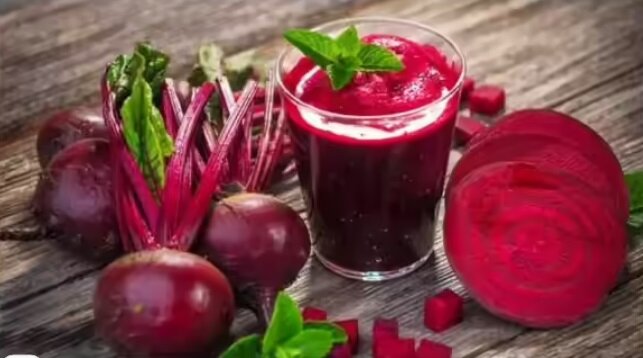
چغندر معمولی، قهرمان کبد است. سرشار از فیبر و مجموعهای از آنتیاکسیدانها و نیتراتها، جریان خون را افزایش میدهد و تلاشهای سمزدایی این عضو را تقویت میکند. همچنین تولید صفرا را تحریک میکند که به تجزیه چربیها و دفع سموم کمک میکند. مجموعهای از تحقیقات گسترده نشان میدهد که چغندر میتواند آسیب کبد را مهار کند و فعالیت آنزیمها را برای عملکرد صحیح کبد افزایش دهد. نوشیدن آب چغندر یا کباب کردن آرام برشهای چغندر با گیاهان و کمی روغن زیتون، استفاده از چغندر خلال شده در ماست یا پخته آنگونه که در ایران چغندر پخته را سر گذرها و خیابانها میفروشند راههای خوشمزهای برای گنجاندن این ریشه معمولی در رژیم غذایی ارائه میدهند.
حبوبات
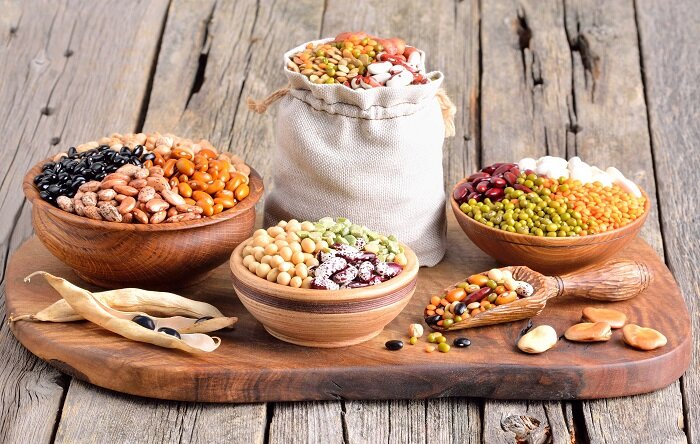
لوبیا، عدس و نخود مقدار خوبی از پروتئین و فیبر گیاهی را تأمین میکنند. محتوای چربی کم اشباعشده آنها، همراه با فیبر، حبوبات را به گزینهای معقول برای افرادی که با بیماری کبد چرب دست و پنجه نرم میکنند، تبدیل میکند. تحقیقات نشان میدهد که جایگزینی گوشت با لوبیا، میتواند چربی کبد را کاهش داده و عملکرد آن را بهبود بخشد. جدا از این، لوبیا همچنین هضم را بهبود میبخشد و به ثابت نگه داشتن سطح قند خون کمک میکند هر دو عامل مهم برای مبتلایان به بیماری کبد چرب هستند. فقط مقداری لوبیا را در سالاد، سوپ، آش یا آبگوشت بریزید و کبد تقویت میشود.
سیر
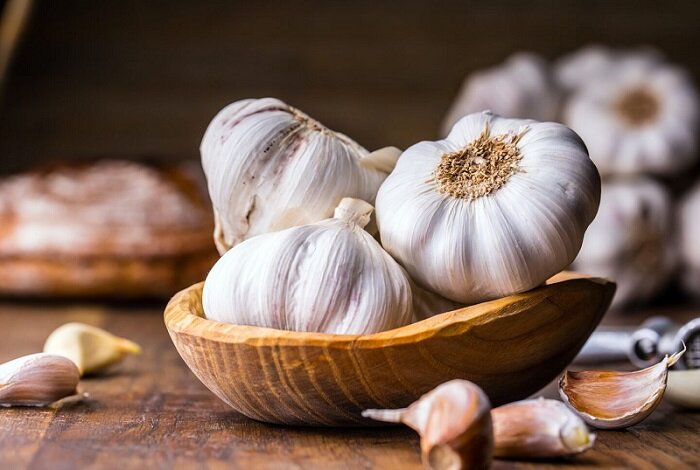
سیر علاوه بر شهرتش به عنوان یک تقویتکننده طعم، به عنوان یک غذای مفید برای کبد نیز عمل میکند. ترکیبات غنی از گوگرد آن میتوانند رسوب در کبد را تعدیل کرده و سطح کلسترول را در محدوده سالمتری نگه دارند. تحقیقات نشان میدهد که سیر به جلوگیری از تجمع چربی در سلولهای کبد کمک میکند، در حالی که مکانیسمهای سمزدایی طبیعی این اندام را به کار میاندازد. علاوه بر این، خواص ضد التهابی آن التهاب کبد را تسکین میدهد و به عملکرد کبد کمک میکند. ریختن چند حبه سیر در سوپ، آش یا خورشها و غذاهای سرخشده، راههای روزمره برای بهرهمندی از مزایای آن هستند.
سبزیجات برگدار
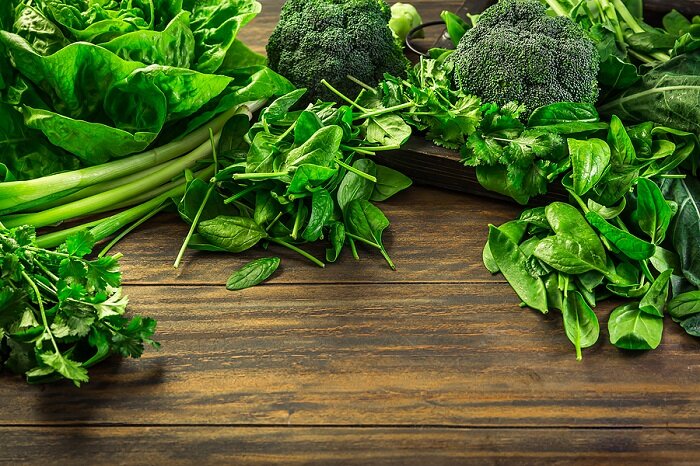
اسفناج، کلم و شنبلیله در میان سبزیجات برای سلامت کبد رتبه بالایی دارند. محتوای غنی کلروفیل آنها به کبد در بیرون کشیدن سموم از بدن کمک میکند، در حالی که مقدار زیادی آنتیاکسیدان با استرسی که اغلب باعث آسیب کبدی میشود، مبارزه میکند. تحقیقات نشان داده که خوردن منظم اسفناج میتواند احتمال ابتلا به بیماری کبد چرب را به میزان قابل توجهی کاهش دهد. علاوه بر این، سبزیجات برگدار به کبد در تولید صفرا کمک میکنند که گامی مهم برای تجزیه چربیها و دفع مواد زائد است. یک مشت اسفناج یا کلم را به سالاد اضافه کنید، اسفناج را همچنین میتوانید در ماست به عنوان بورانی مخلوط کنید.
سبزیجات چلیپایی
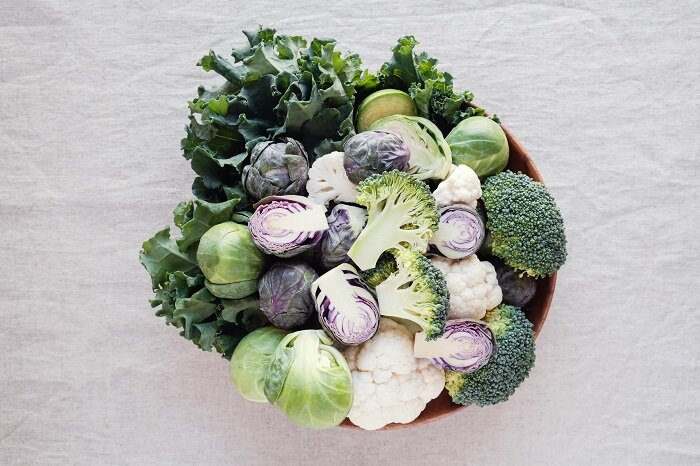
کلم بروکلی، گل کلم و کلم بروکسل همه اعضای خانواده سبزیجات چلیپایی هستند و بیش از یک منبع غنی از فیبر به حساب میآیند. آنها همچنین سرشار از مواد شیمیایی گیاهی هستند که به وظایف سم زدایی کبد کمک میکنند. مجموعهای از تحقیقات به این ایده اشاره دارند که رژیم غذایی سرشار از این سبزیجات میتواند رسوبات چربی را کاهش داده و التهاب را کاهش دهد. در یک تحقیق، افرادی که مصرف این سبزیجات را افزایش دادند، نمرات چربی کبد پایینتری و عملکرد کبد را بهبود بخشیدند. علاوه بر این، سبزیجات ایندول را فراهم میکنند، ترکیبی که به نظر میرسد با مهار رسوبات چربی و کاهش التهاب کبد، بیماریها را از بین میبرد. به نظر میرسد اضافه کردن کلم بروکلی یا گل کلم به وعدههای غذایی چند بار در هفته، حداکثر فواید را به همراه دارد.
نوشته با این سبزیجات قاتل کبد چرب آشنا شوید اولین بار در خبرگزاری سیناپرس. پدیدار شد.

